

Safety
How downloads work when the site allows them
Download appears only when the site allows it. It saves the same MP4 or WEBM that was uploaded. It is not a new export.
Download appears only when the site allows it. It saves the same MP4 or WEBM that was uploaded. It is not a new export.

On a watch page you do not own, use Report. Send your name, email, a reason, and a short explanation so the video can be reviewed.
Delete removes the video from your library and takes the file offline. The old watch link no longer has that video to play.
In your library you can change the file name, title, description, and keywords. Those edits do not replace the video file.
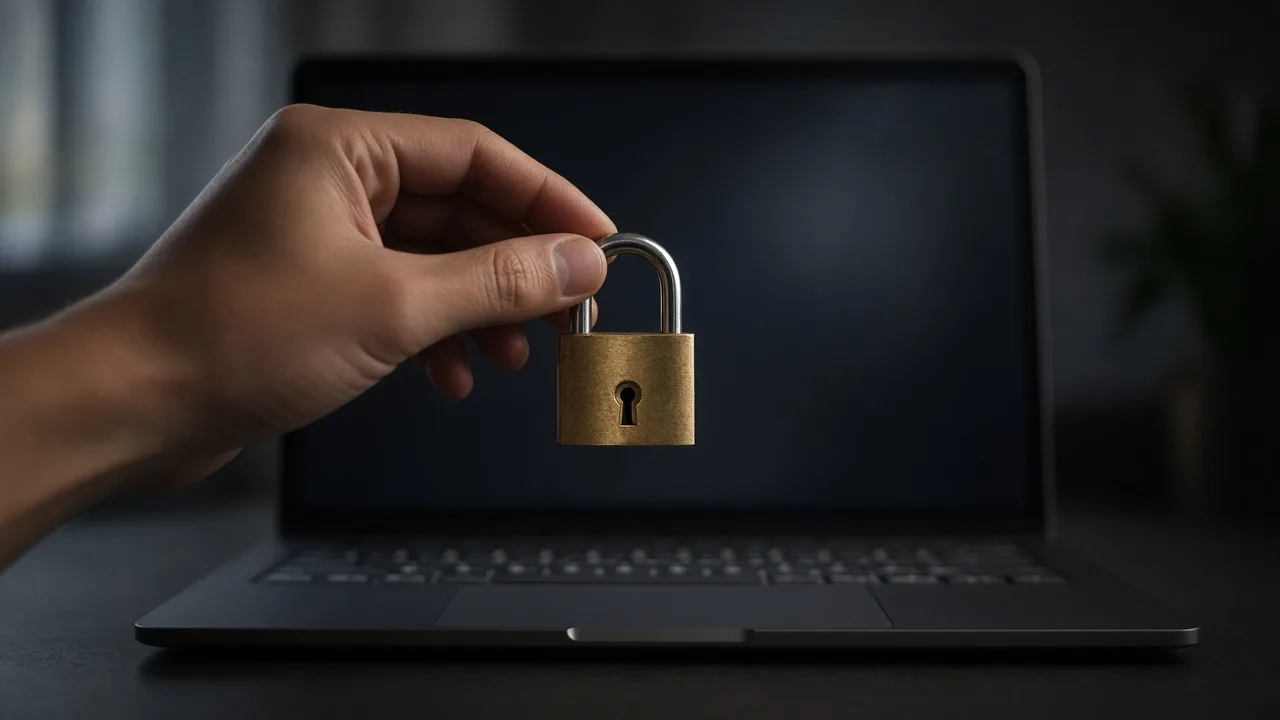
A protected video opens an unlock form. The player appears only after the password is accepted, on the watch page and on the embed.
The watch page plays the file you uploaded and shows its title, description, uploader, date, and view count.
Videos you upload while signed in stay in your library, where you can edit details, change access, set a password, and delete them.
A guest can upload an MP4 or WEBM and receive a watch link. The video is not saved into a library you can edit later.
Save a new password to replace the old one. Leave the password field empty and save to remove protection from that video.
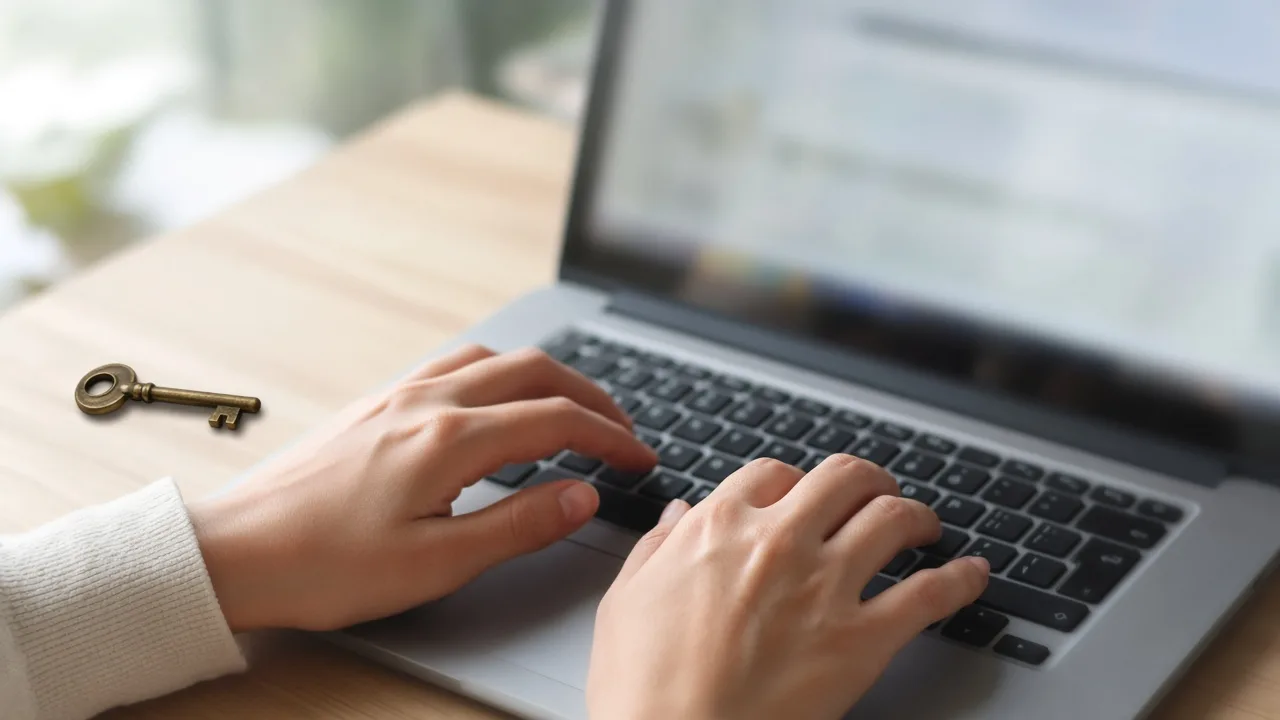
Open the video in your library, enter a password, and save. The watch link stays the same and asks for that word before playback.
A private video stays in your library. You can preview it, edit its details, download it when downloads are allowed, or delete it.

Open the video in your library and change Access status. Public allows sharing. Private turns sharing off without a new upload.
We use cookies to personalize your experience. By continuing to visit this website you agree to our use of cookies