

Why an account keeps your videos in one library
 Demo Admin
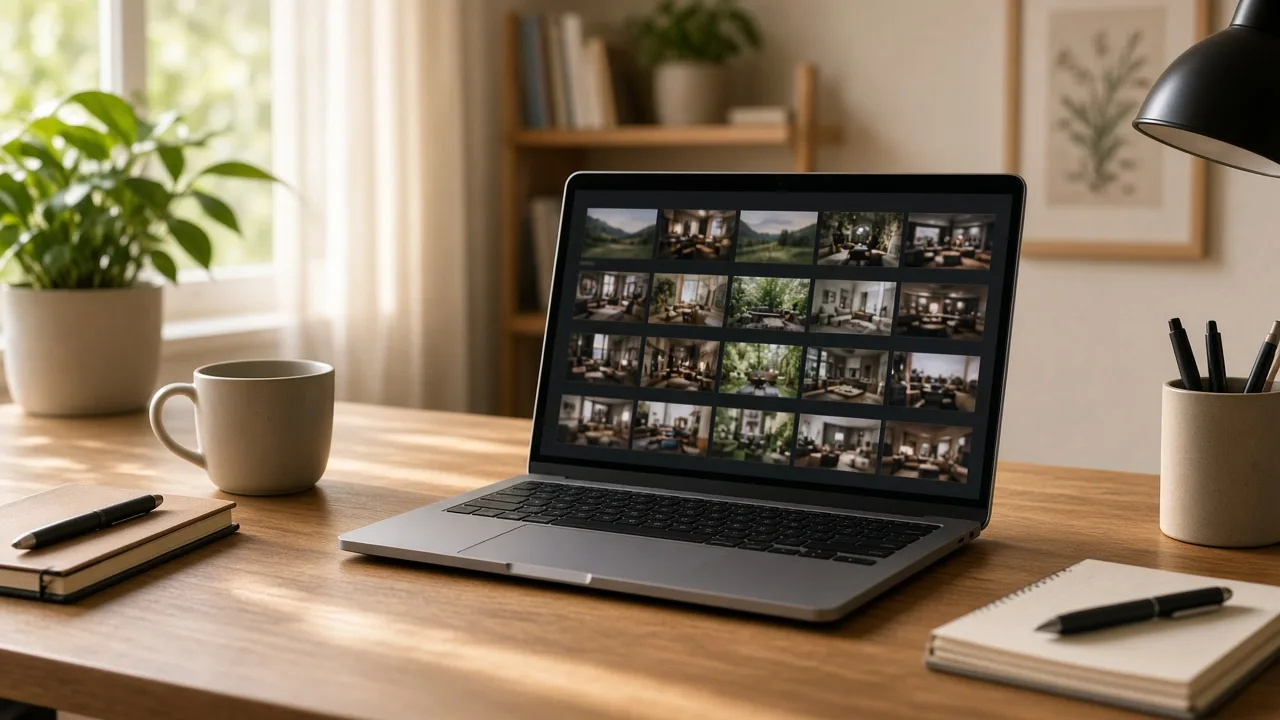
An account is the list of videos you uploaded while signed in. Each row is a file you can open, with its size, extension, public or private state, and the date it was added. The watch link for each one is still a normal Playbob address. The difference is that you can find it again.
What the library is for
Open a video to play it, change the stored file name, and write a title, description, and keywords. Switch access between public and private. Set, replace, or clear a password when your account is allowed to use password protection. Share a public video, preview the watch page, download when the site allows downloads, or delete the file.
The library also shows views and downloads for that video. Those counts are the numbers stored on the file. They are not a separate analytics product, and they do not include a chart of where viewers came from.
- Uploads made while signed in appear in the library.
- Guest uploads do not appear there.
- Editing details does not replace the video file.
- Delete is the way to remove a file you no longer want online.
Sign in before the upload that matters
The account does not reach backward and claim a guest upload. If a video needs a life after the first link, sign in first and then upload. You can still send the watch link to anyone. You also keep the controls for the day you want the link to become private, password protected, or removed.
Creating the account is separate from uploading. Once you are signed in, the upload area stores the file against that user, and the library is where you return.
Comments (0)
No comments available
Login or create account to leave comments