

When a public link is the wrong way to share
 Demo Admin
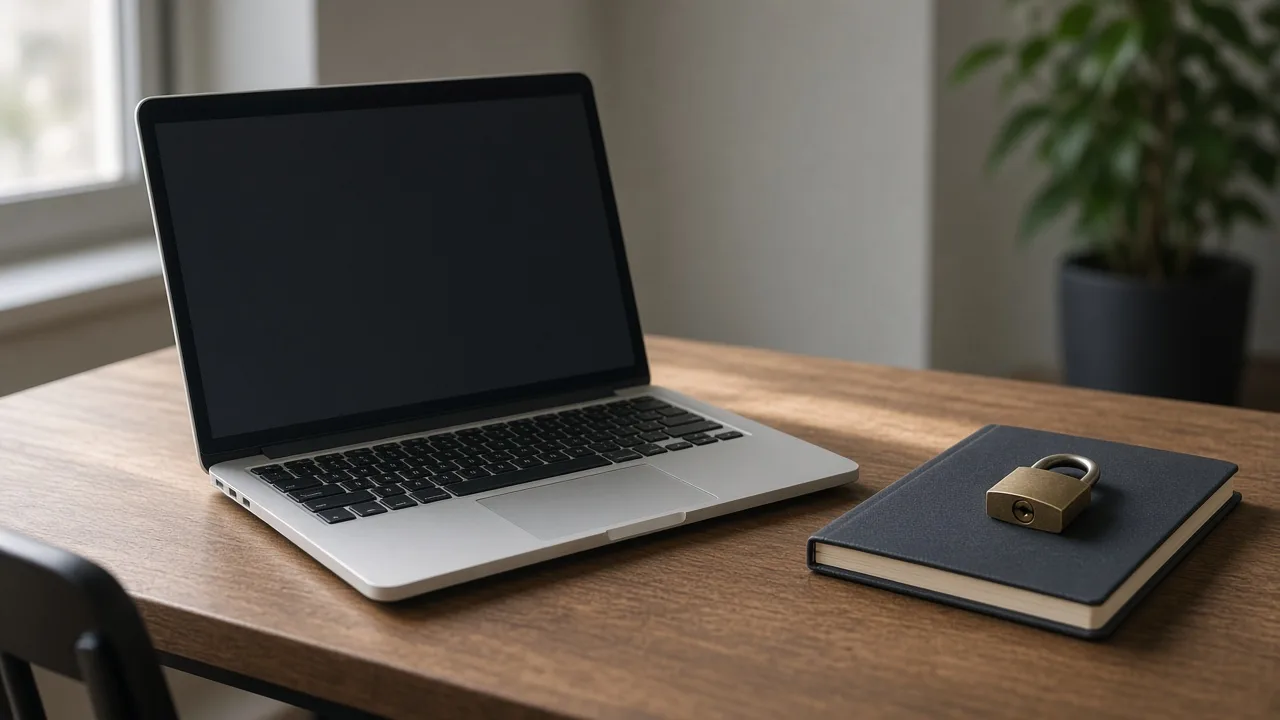
A public watch link is easy to forward. That is useful for a video you want people to pass on, and it is a poor fit for a rough cut, a family recording, or anything you would not put on an open page. Anyone who receives the address can open it, and they can send it onward.
Pick the tighter option
Private access removes sharing. The watch page explains that a private video cannot be shared, and the share button is not shown. You can still open the video from your library, including Preview, because you own it. Other people should not get a working public page.
A password is the middle path. The address can still be sent, but playback waits until the viewer types the password. Use that when a small group should watch and you are willing to send the word by a separate message. Do not put the password in the same post as the link if the point is to limit who can watch.
- Public: anyone with the link can watch and can forward the link.
- Password: the link opens an unlock form first.
- Private: sharing is turned off.
- Change access from the video in your library. You do not upload again.
After you have already sent the link
Switching a video to private stops the public share path. Adding a password makes the existing address ask for the word. Deleting the video removes the file, so the old link no longer has a video to play. Pick the smallest change that matches who should still be able to watch.
Guest uploads do not give you a library where you can make these changes later. If the video might need to become private, or might need a password after you have seen who asked for it, upload while you are signed in.
Comments (0)
No comments available
Login or create account to leave comments