

How to embed the player on your own site
 Demo Admin
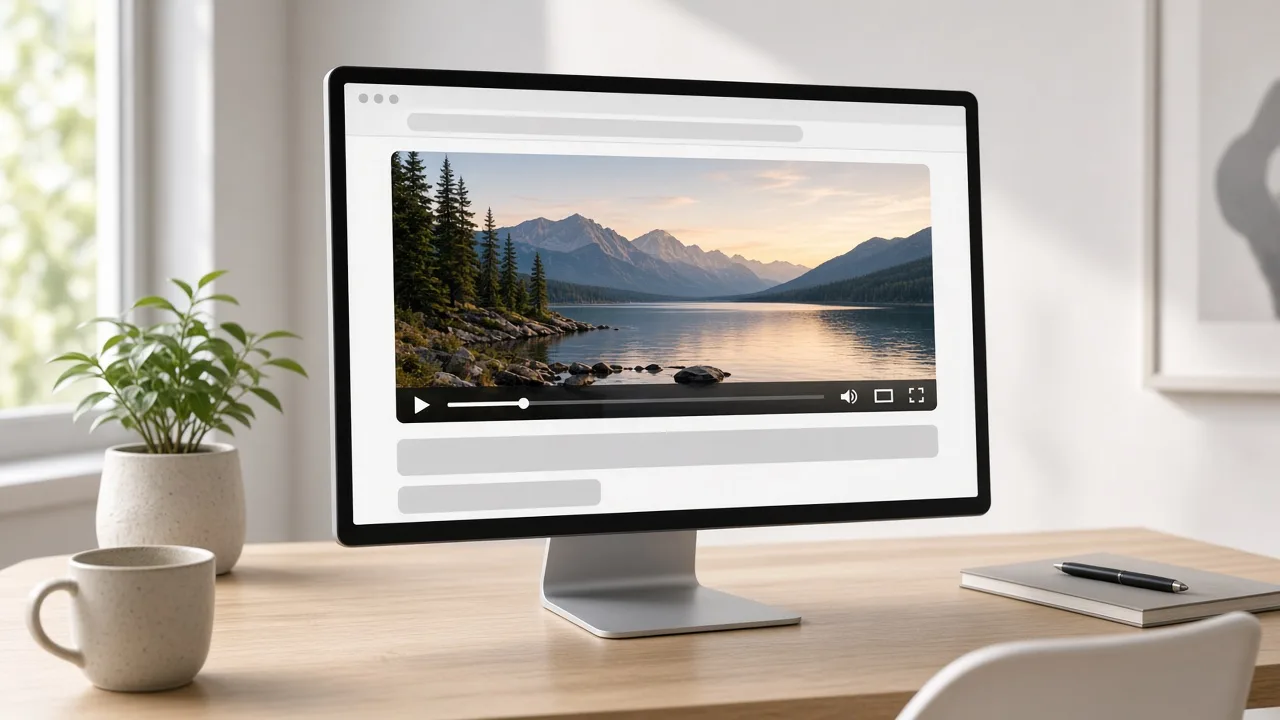
The embed code is an iframe that points at the Playbob player for one video. You paste it into a page you control. Visitors stay on your site and watch there, instead of opening the watch page. The video file still lives on Playbob.
Copy the iframe
Open a public video and use Share, either on the watch page or from your library. The embed field is a readonly iframe with a source address for that video, a title, and permission to go full screen. Copy the whole snippet. Pasting only the source address into a paragraph will not draw the player.
The snippet uses a width and height you can change in your page to fit the layout. Keep the source address as it was copied. That address is tied to the video's id. Uploading a new file creates a new embed address. Changing the title does not.
- The video must be public. Private videos are not offered for sharing.
- Copy the iframe, not only the watch link.
- You can adjust width and height in your HTML.
- Allow full screen if you want the control that the snippet already includes.
What your visitors need
They need the page you published and a browser that can play the video you uploaded. They do not need a Playbob account. If you later add a password, the embed has to pass through the unlock step before the picture plays. If you delete the video or it expires, the iframe no longer has a file to show.
Test the page after you paste the code. Open it while signed out so you see what a visitor sees, including a password form if you set one.
Comments (0)
No comments available
Login or create account to leave comments